See how it works
Real example: same person, before and after.
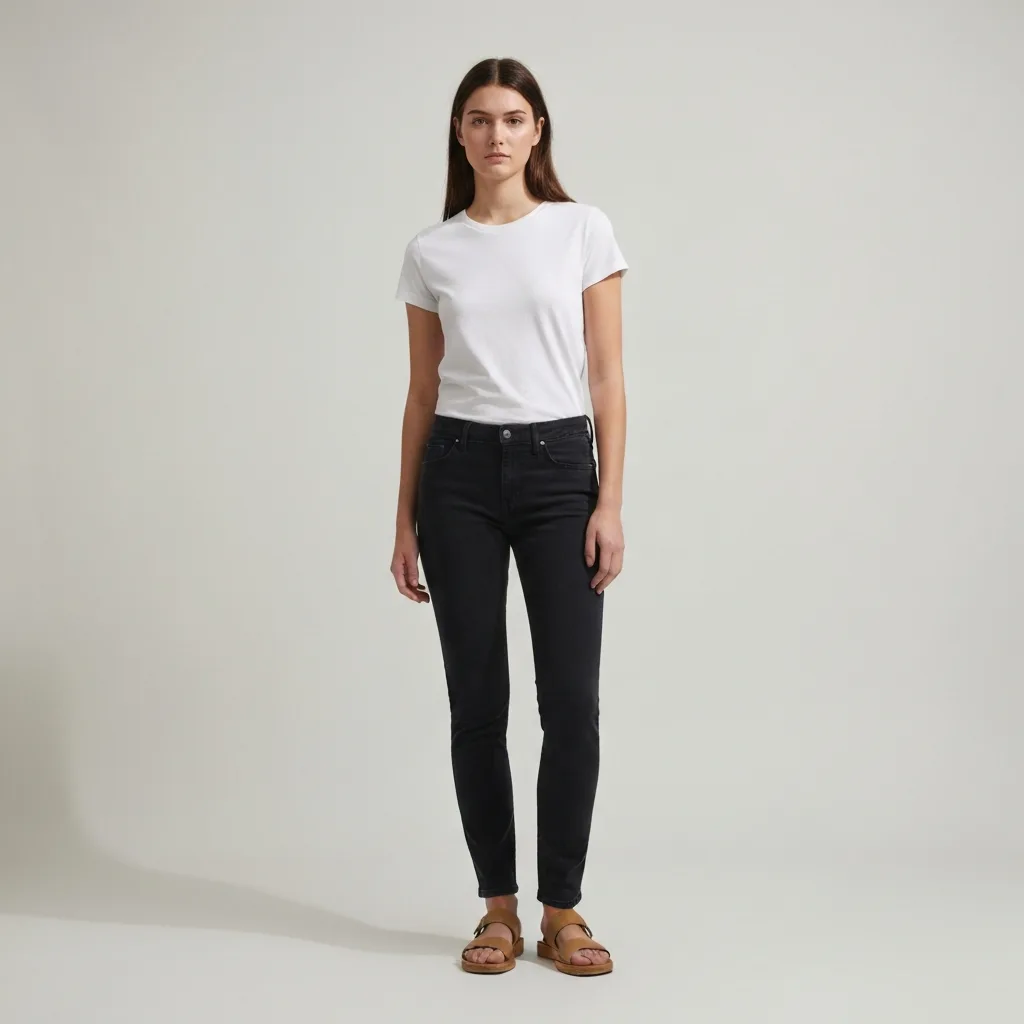
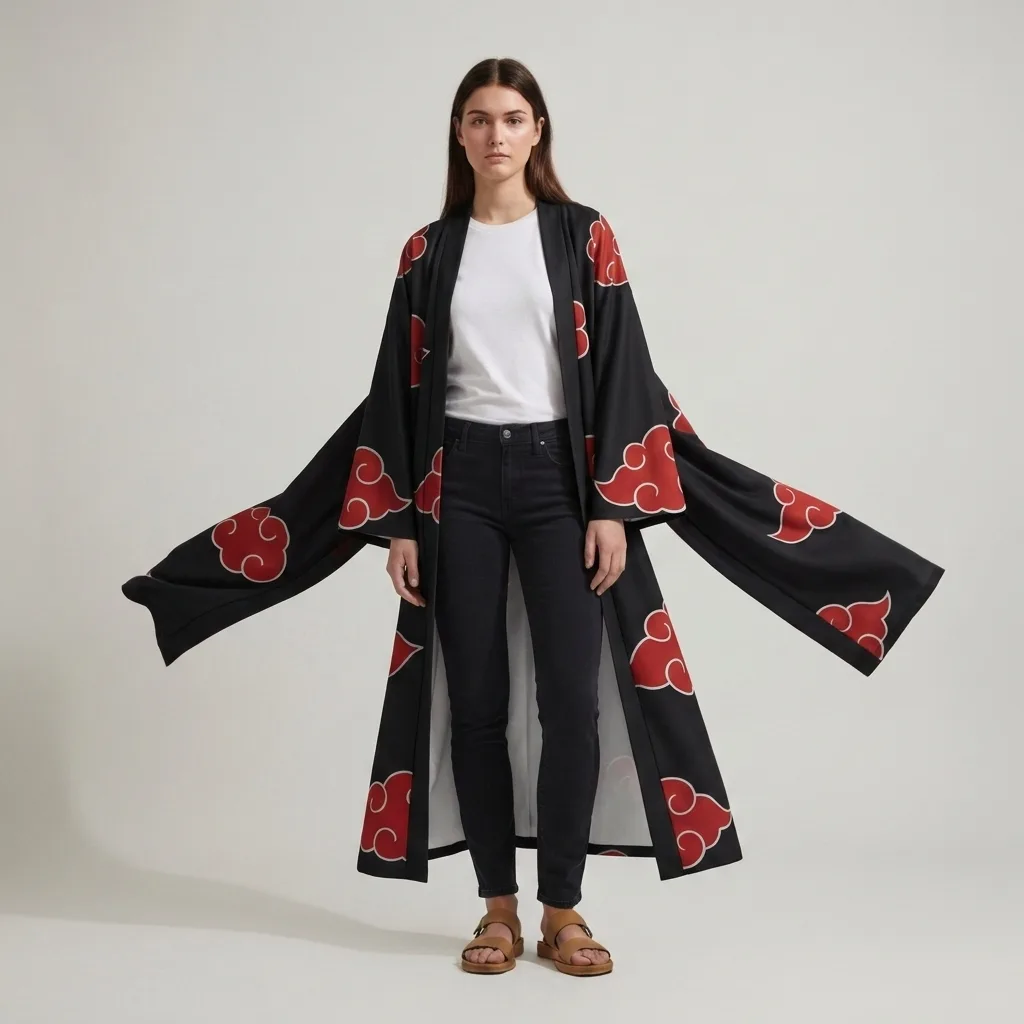
Face to anime AI.
Your real face, redrawn in anime — recognisably you.
Upload a clear face photo. The AI keeps your face identity at instant-ID strength 0.8 — your face shape, eyes, nose, mouth, hair are all preserved while the AI re-draws in anime style. Output is unmistakably YOU, not a generic anime character.
Explore every tool in the app
Sign in for one free image preview with an agalaz.com watermark. No card for the preview. Activate an eligible trial or paid plan to download without the watermark.
Create my free previewWhy identity preservation matters
Generic "anime filter" apps output the same anime character regardless of input — same eyes, same nose, same jawline for every user. That's style transfer without identity preservation. Our pipeline uses face-to-many with instant_id_strength=0.8, an InstantID-derived model that LOCKS your face structure before the anime style is applied. Result: you actually see yourself in anime, with all your distinguishing features intact.
What the AI preserves
- Face shape (round, oval, square, heart, long).
- Eye shape and colour.
- Nose shape and bridge.
- Mouth shape and lip thickness.
- Hair colour, length, parting.
- Skin tone (within anime palette).
- Distinctive features (moles, freckles when prominent).
Best input photo
Clear well-lit selfie
Face fills 30-50% of frame. Even lighting from front.
Half-body portrait
Shoulders + head visible. AI extends shoulders into anime collar/outfit.
No sunglasses or heavy mask
AI infers anime eye shape from your real eyes.
Natural expression
Smile, neutral, or smolder all work. Squinting → AI guesses eye shape.
Mistakes
Heavy Snapchat / Instagram beautifier filter
Use natural photo — your real face features.
Side-profile / very tilted face
AI works best with a 3/4 or front-facing angle.
Actually look like YOU in anime
Try the difference vs generic anime filters. Free first render.
Face → Anime freeFREEFace-to-Anime AI FAQ
Try anything else on you
Tattoo simulator
Try any design on your skin
Bikini & swimwear
See it on your real body
Earrings
See them on your ears
Wedding dresses
Before booking the boutique
Nail try-on
Any design on your hands
Glasses & sunglasses
Frames on your face
Jewelry
Necklaces, rings, bracelets
Men's suits
Try the cut before the tailor
Pet clothing
On your real dog or cat
Baby clothing
On your real baby
Costumes
Halloween, parties, cosplay
Hairstyles
See it before the salon
Cosplay
Anime, games, conventions
Specific looks you can try
Engagement ring try-on
See solitaire, halo, pavé on your hand
Virtual wig try-on
Lace-front, curly, color, cosplay
Best virtual try-on app
Compared 6 tools in 2026
Best hairstyle try-on app
Cut + color compared
Best AI nail try-on
Gel, French, designs 2026
Free virtual fitting room
5 apps that actually are free
Chrome nails 2026
Pastel, mirror, glazed donut
Style oversized clothes
Without looking sloppy
Curtain bangs
Try the cut on your face
Wolf cut
Long, short, mullet, asian
Round face haircuts
Best cuts that flatter
Oval face haircuts
Styles for oval faces
Square face haircuts
Soften the jawline
Diamond face haircuts
Balance the cheekbones
Wedding guest outfit
Spring, summer, fall, winter
Bridesmaid dresses
Cheap, sage green, Azazie
Couples halloween costumes
Funny, easy, scary, DIY
Natural makeup look
No-makeup makeup tutorial
Engagement ring hand
Which finger by culture