See how it works
Real example: same person, before and after.
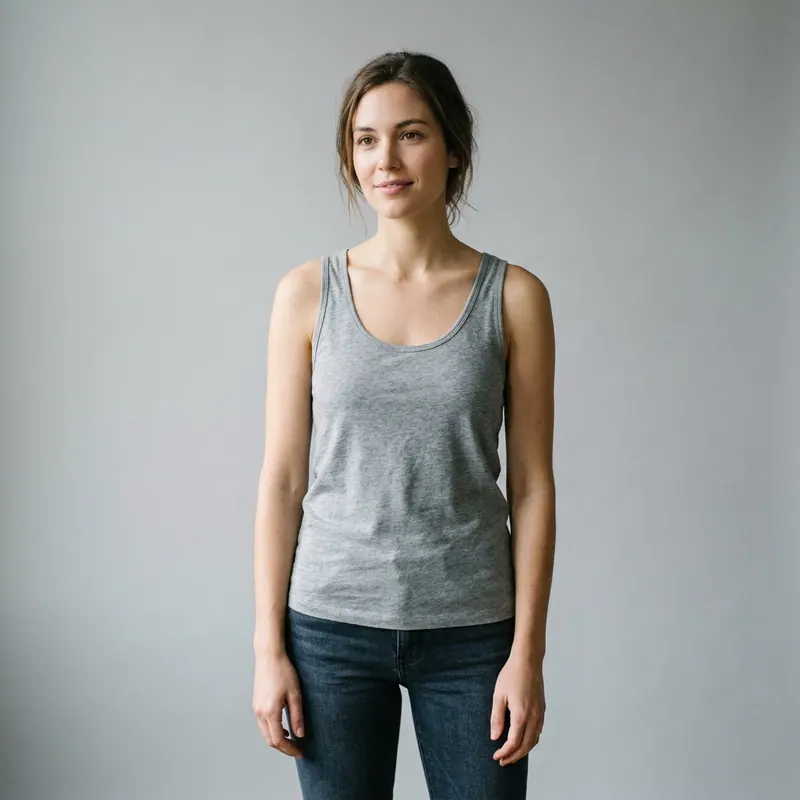
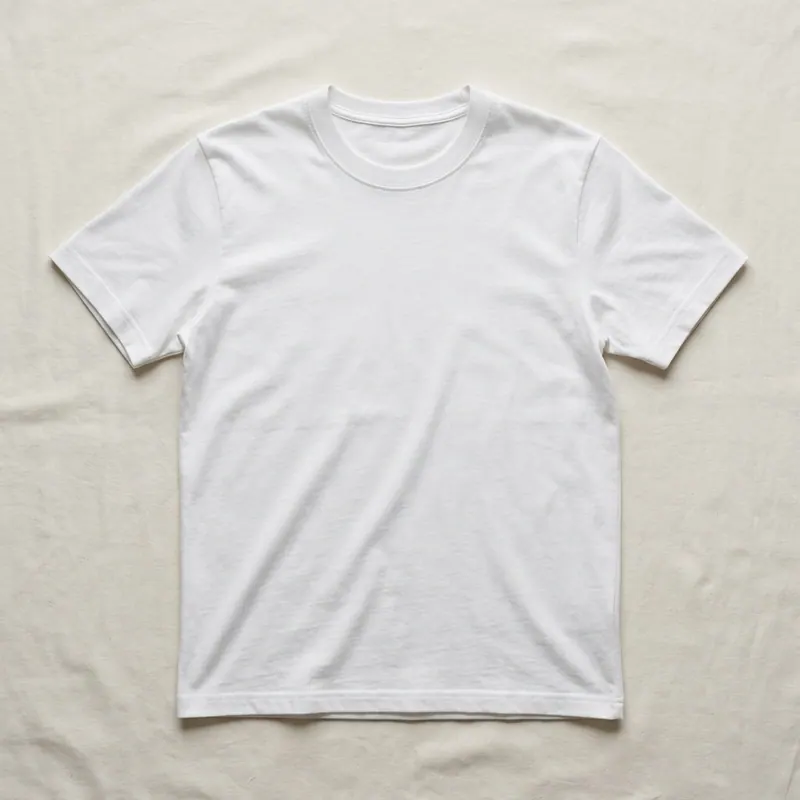
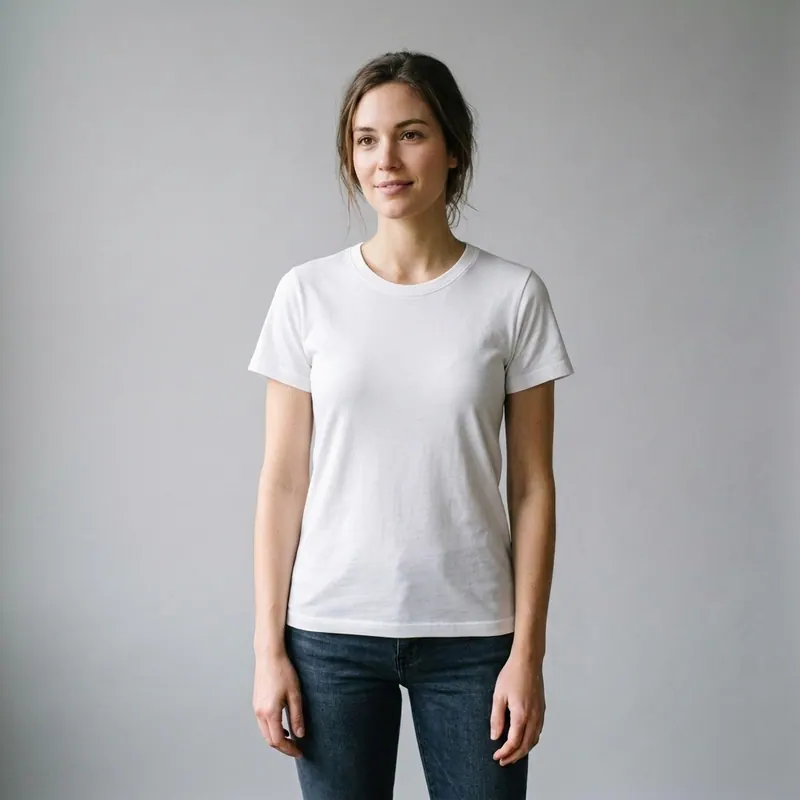
AI cloth changer online photo editor
edit ANY photo, swap ANY garment in 30 seconds.
Online photo editor with AI cloth changer baked in. Upload, drop a new garment, AI swaps it preserving pose + face + background. Edit further via chat: color, fabric, length. Free first render. The Instagram-grade outfit edit without Photoshop skills.
Explore every tool in the app
Sign in for a free preview with an Agalaz.com watermark. No card needed for the preview. Unlock HD without the watermark with an eligible subscription trial, a paid plan or credits.
Create my free previewWhy cloth changer beats Photoshop for outfit swaps
Photoshop outfit-swap requires masking, color-matching, fabric texture, lighting — 30 minutes of work per swap. AI cloth changer does it in 30 seconds, no skills, no app. The output is Instagram-ready, with realistic drape and shadow.
How the AI cloth changer photo editor works
- Upload your photo — the one to edit
- Drop the new garment — top, bottom, dress, jacket, full outfit
- AI swaps the garment in 30 sec preserving pose + face + background
- Iterate via chat: "in beige", "tucked in", "longer sleeves", "leather"
- Download high-res PNG for Instagram, TikTok, dating apps, edits
5 cloth-swap moments this serves
Instagram OOTD post upgrade
Have the photo, hate the outfit. Swap the top, repost in 30 sec.
Travel photo wardrobe
Took 50 vacation photos in 1 outfit. Swap 5 outfits in 5 min.
Profile photo refresh
Keep the great selfie, swap the casual t-shirt for a blazer.
Throwback Thursday glow-up
Pull an old photo, swap the outdated outfit, repost as "if we knew then".
AI portrait series
Render yourself in 8 different aesthetics from 1 photo — career milestone series.
What NOT to do
Upload a tiny low-light photo
AI works with what it sees. Use a clear well-lit photo.
Try to change face at the same time
Cloth changer = clothes only. Face editing is a different flow.
Skip the chat iteration
First render is rarely the final. "Tighter waist", "deeper color" → better result.
Before posting the OOTD
Edit the outfit on the already-great photo. Instagram-grade swap in 30 sec.
Open photo editorFreeAI cloth changer online photo editor FAQ
Try anything else on you
Tattoo simulator
Try any design on your skin
Bikini & swimwear
See it on your real body
Earrings
See them on your ears
Wedding dresses
Before booking the boutique
Nail try-on
Any design on your hands
Glasses & sunglasses
Frames on your face
Jewelry
Necklaces, rings, bracelets
Men's suits
Try the cut before the tailor
Pet clothing
On your real dog or cat
Baby clothing
On your real baby
Costumes
Halloween, parties, cosplay
Hairstyles
See it before the salon
Cosplay
Anime, games, conventions
Specific looks you can try
Engagement ring try-on
See solitaire, halo, pavé on your hand
Virtual wig try-on
Lace-front, curly, color, cosplay
Best virtual try-on app
Compared 6 tools in 2026
Best hairstyle try-on app
Cut + color compared
Best AI nail try-on
Gel, French, designs 2026
Free virtual fitting room
5 apps that actually are free
Chrome nails 2026
Pastel, mirror, glazed donut
Style oversized clothes
Without looking sloppy
Curtain bangs
Try the cut on your face
Wolf cut
Long, short, mullet, asian
Round face haircuts
Best cuts that flatter
Oval face haircuts
Styles for oval faces
Square face haircuts
Soften the jawline
Diamond face haircuts
Balance the cheekbones
Wedding guest outfit
Spring, summer, fall, winter
Bridesmaid dresses
Cheap, sage green, Azazie
Couples halloween costumes
Funny, easy, scary, DIY
Natural makeup look
No-makeup makeup tutorial
Engagement ring hand
Which finger by culture