7 min read·May 29, 2026
Body Size Virtual Try-On — Accurate Measurements Guide (Free AI)
> → Got your measurements? Now try the outfit on yourself with AI — see exactly how that size will fit YOUR body before checkout. Free first render.
Real example: same person, before and after.
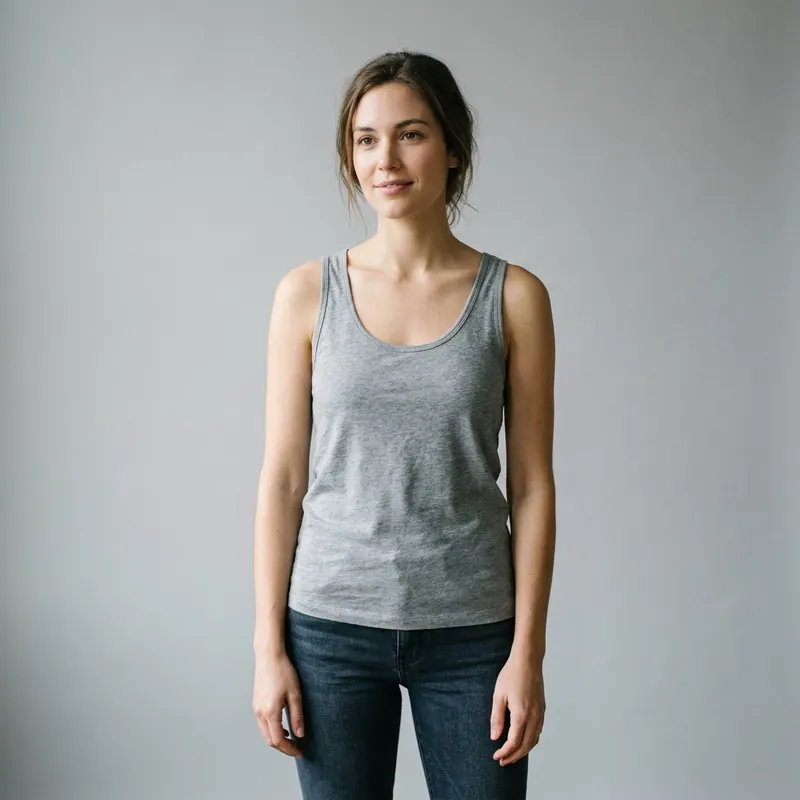
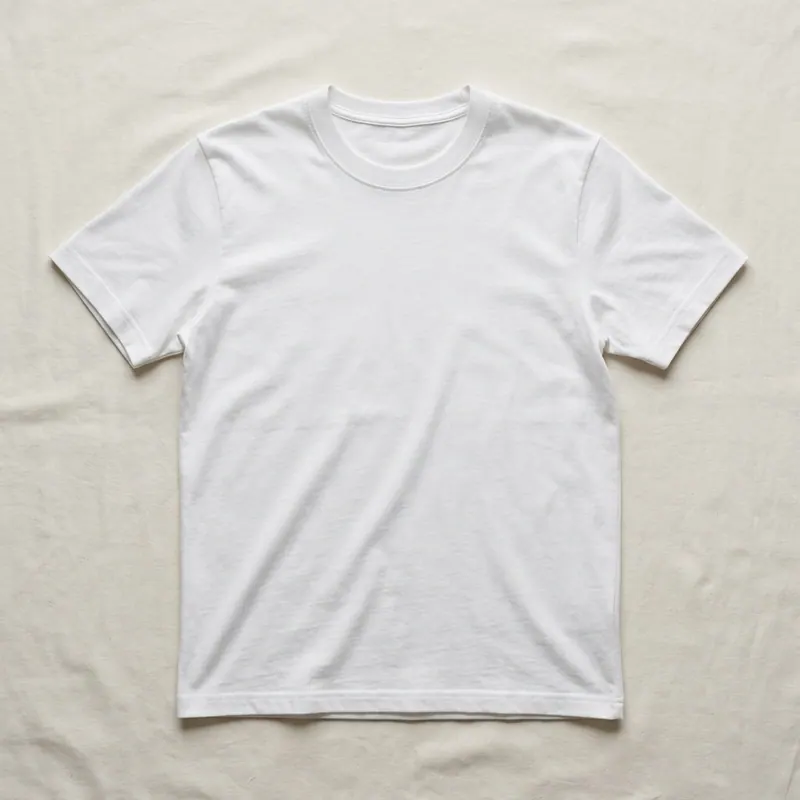
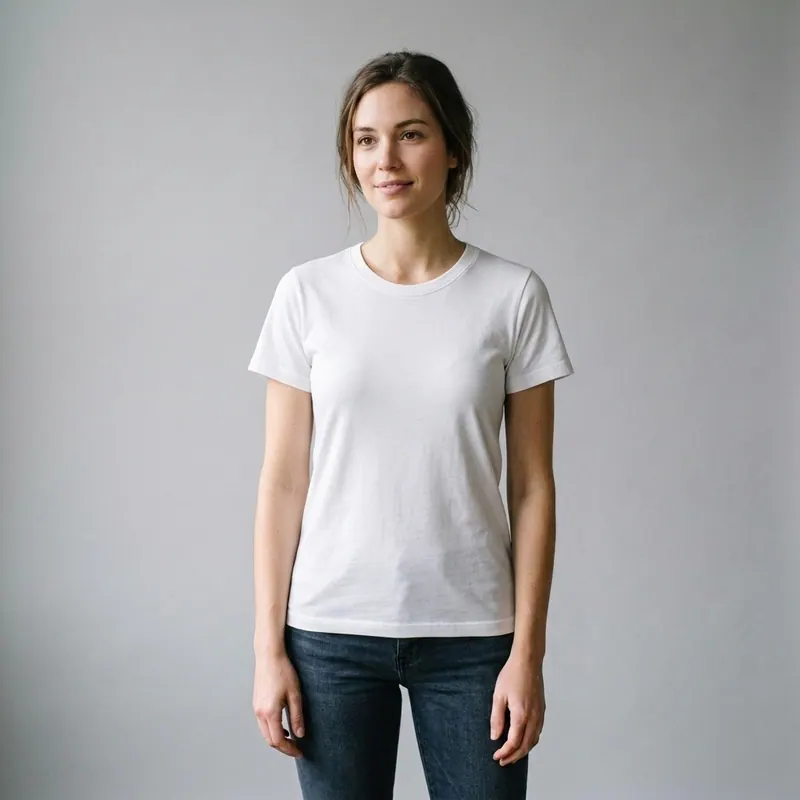
> → Got your measurements? Now try the outfit on yourself with AI — see exactly how that size will fit YOUR body before checkout. Free first render.
Virtual try-on technology is transforming how we shop for clothes online — but there's one problem that ruins the experience for most people: inaccurate body measurements.
If the AI doesn't understand your real proportions, even the best virtual try-on app will produce results that look "off." Your shirt will look too tight, your pants will seem weirdly long, and you'll lose trust in the technology.
This guide shows you exactly how to measure yourself for flawless virtual try-on results every time.
Virtual try-on apps like Agalaz use your photos to map garments onto your real body. The better your input photos represent your actual proportions, the more accurate the output.
Here's what goes wrong when measurements are off: • Garments look stretched or compressed on your torso • Sleeves appear too long or too short relative to your arms • Necklines sit in the wrong position • The overall silhouette looks unnatural
The good news? You don't need expensive equipment. A measuring tape and 5 minutes is all it takes.
Wrap the tape around the fullest part of your chest, keeping it parallel to the floor. Don't pull tight — the tape should be snug but you should be able to fit one finger underneath.
Pro tip: Wear a well-fitting bra (if applicable) or a thin t-shirt. This gives the most realistic measurement for how clothes will actually fit.
Measure at your natural waistline — the narrowest part of your torso, usually about 1 inch above your belly button. Bend sideways to find the crease — that's your natural waist.
Common mistake: Measuring at your belt line. Your belt sits on your hips, not your waist. These can differ by 2-4 inches.
Measure around the widest part of your hips and buttocks. Stand with feet together and wrap the tape at the fullest point — usually about 7-8 inches below your natural waist.
Measure from the edge of one shoulder bone to the other, across your back. Feel for the bony point where your arm meets your shoulder — that's your reference point.
This measurement is critical for how jackets, blazers, and structured garments look on you.
From the shoulder bone point down to your wrist bone. Keep your arm slightly bent (about 10 degrees) — this mimics how your arm naturally hangs.
From your crotch to the floor (or to your ankle bone if you prefer cropped fits). Stand straight with feet shoulder-width apart.
Best method: Measure a pair of pants that fits you perfectly. Lay them flat and measure the inner seam from crotch to hem.
From the base of your neck (where it meets your shoulder) down to your natural waist. This determines where tops and jackets will fall on your body.
Measurements tell the AI your dimensions, but your photo is what virtual try-on apps actually use. Here's how to get it right:
1. Stand facing the camera — front-on, not at an angle 2. Full body visible — from the top of your head to your feet 3. Arms slightly away from body — so the AI can see your torso shape 4. Good lighting — natural light from a window works best 5. Simple background — a plain wall, not a cluttered room 6. Wear fitted clothing — tight-ish clothes show your actual shape better than baggy ones
For apps like Agalaz that use face mapping: 1. Front-facing selfie looking directly at the camera 2. Neutral expression — slight smile is fine 3. Good, even lighting — avoid harsh shadows on your face 4. Hair away from face — so the AI can map your jawline properly
Always measure over thin fabric or underwear. A hoodie can add 2-3 inches to your chest measurement, completely throwing off the results.
The tape should be snug but not compressing your skin. If it leaves a mark on your skin, it's too tight. This is the single most common error.
Slouching can reduce your height by 1-2 inches and distort your torso proportions. Stand tall with your shoulders back and weight evenly distributed.
Use a full-length mirror to verify the tape is level and parallel to the floor, especially for chest and hip measurements.
Your body changes. Re-measure every 3-6 months, or after any significant weight change. Using measurements from 2 years ago will give you inaccurate results.
The newest generation of virtual try-on apps eliminates most measurement hassle. Agalaz uses your full-body photo to automatically understand your proportions — no manual measurements needed.
Here's the process: 1. Take a front-facing selfie 2. Take a full-body photo (head to feet, facing camera) 3. Upload the garment you want to try 4. Hit Render — the AI maps everything automatically
The AI analyzes your body proportions from the photo itself, so as long as your photo is good (see tips above), the results are accurate.
After the first render, you can use the chat feature to refine: "Make it a size L", "Change the color to navy", "Try long sleeves instead" — the AI adjusts in real time.
| Measurement | Where to Measure | Common Error |
|---|---|---|
| Chest | Fullest part, parallel to floor | Measuring too high (armpits) |
| Waist | Narrowest part of torso | Measuring at belt line |
| Hips | Widest part of hips/butt | Not going wide enough |
| Shoulders | Bone to bone, across back | Including arm muscle |
| Arm Length | Shoulder bone to wrist | Arm fully extended (too long) |
| Inseam | Crotch to ankle | Not standing straight |
| Torso | Base of neck to waist | Measuring from top of shoulder |
Accurate measurements + a good full-body photo = perfect virtual try-on results. But if you want the easiest path, skip the tape measure entirely — modern AI tools like Agalaz extract your proportions directly from your photo.
The technology has reached the point where a single well-lit, front-facing full-body photo gives you better results than manual measurements ever could. Once your photo is ready, try it in a free virtual dressing room or use an virtual try-on to swap outfits instantly. Still unsure whether a specific piece will fit before you commit? Pair this with our companion guide on how to know if clothes will fit without trying them on — measurements give you the inputs, the fit checklist tells you what to do with them.