So funktioniert's
Echtes Beispiel: dieselbe Person, davor und danach.

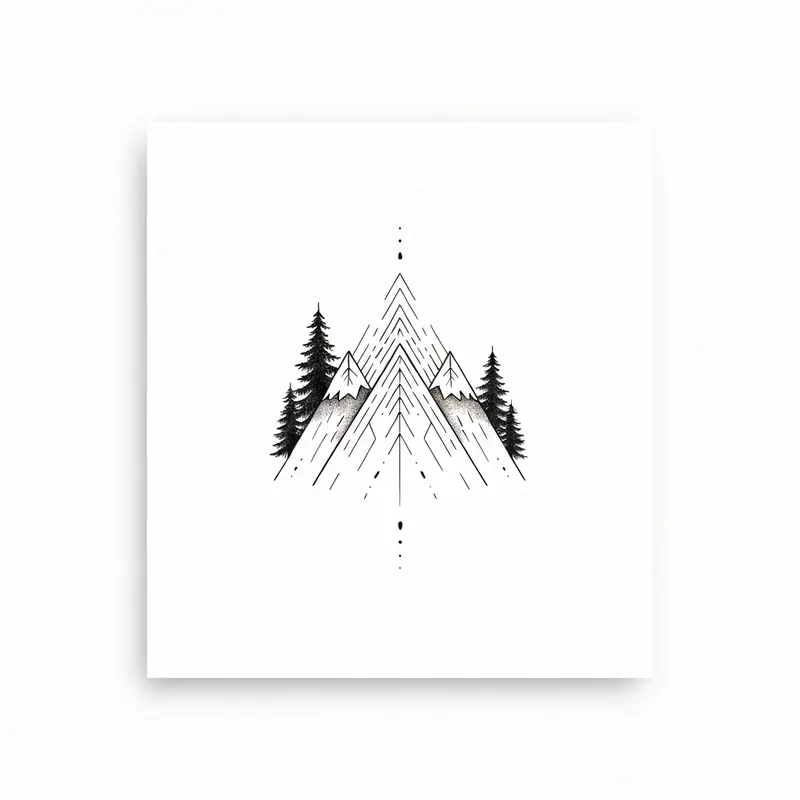
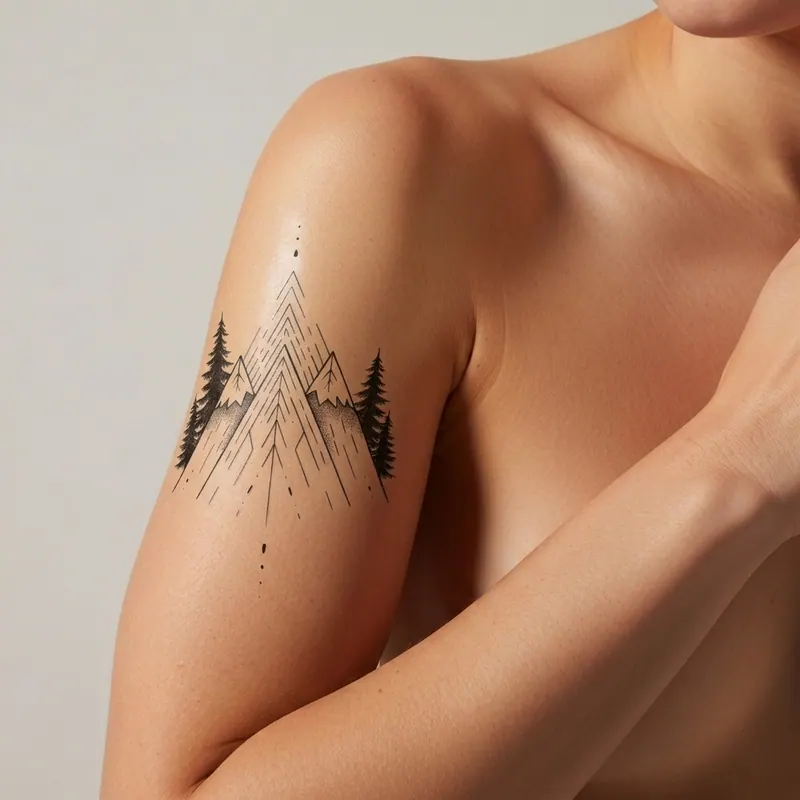
Probier Dein Tattoo Bevor Du Es Machst
Mit KI
Lade ein Foto deines Körpers hoch, wähle ein Tattoo-Design und sieh genau, wie es auf deiner Haut aussehen wird. Kostenlos, sofort und fotorealistisch.
50K+
Tattoos simuliert
< 60s
Ergebnis fertig
4,9/5
Zufriedenheit
Jetzt testen — gratis
👆 Wähle oben ein Modell und einen Stil
Bestes Foto zum Hochladen: ein Ganzkörperfoto — stehend, von vorne, gutes Licht.
Or pick a design
Ablauf
So funktioniert es
Lade dein Foto hoch
Ein Selfie, halber Körper oder die Stelle, wo du das Tattoo möchtest.
Wähle das Design
Lade dein Design hoch oder ein beliebiges Bild als Tattoo.
Sofort visualisieren
Die KI platziert das Tattoo realistisch auf deiner Haut.
Vorteile
Warum einen Tattoo-Simulator nutzen?
Kein Bereuen
Ein Tattoo ist für immer. Visualisiere, bevor du ins Studio gehst, und vermeide teure Fehler.
Perfekte Größe und Position
Sieh, wie es sich an Arm, Bein, Brust oder Rücken anpasst.
Für Künstler und Studios
Zeig deinen Kunden das Ergebnis vor dem Tätowieren.
Kostenlos und privat
Deine Fotos werden nie gespeichert. Sofortige KI-Ergebnisse.
Anwendungsfälle
Perfekt für
Für Unternehmen
Hast du ein Tattoo-Studio online?
Integriere unseren Simulator auf deiner Website. Lass deine Kunden Designs auf ihrem eigenen Körper sehen, bevor sie buchen.
Business-Integration ansehenFAQ
Häufig gestellte Fragen
Professional AI Tattoo Visualizer for Skin and Body Art
Choosing the right tattoo placement is a permanent decision. Our AI tattoo simulator uses advanced neural networks to act as a digital tattoo stencil, allowing you to preview how ink will adapt to your unique body contours and skin tone.
Unlike traditional photo editors, Agalaz's generative AI respects the natural highlights and shadows of your muscles, ensuring the tattoo design looks healed and realistic. Whether you are testing a fine-line wrist tattoo, a geometric forearm sleeve, or a back piece, our tool provides the high-fidelity rendering required by professional tattoo artists and studios.
Avoid regret and visualize your body art with the most accurate virtual try-on technology available on the web.
Styles
Test Any Tattoo Style Online Before You Commit
A great tattoo simulator has to read like ink, not a sticker. Agalaz's tattoo visualizer adapts line weight, saturation and shading to your skin, so every style looks the way it would once healed. Use it to test a tattoo online across the styles people search for most:
- Fine-line & micro — delicate script, tiny symbols and single-needle work where placement and scale matter most.
- Blackwork & geometric — bold mandalas, linework and sacred geometry that has to wrap cleanly around a limb.
- Fine traditional & neo-traditional — solid outlines and saturated color the tattoo sim renders true to the original flash.
- Watercolor & illustrative — soft gradients and painterly washes previewed against your real skin tone.
- Lettering & script — names, dates and quotes, sized and angled so you catch awkward line breaks before the needle.
Upload a reference (a flash sheet, a Pinterest save, or your artist's stencil) and the tattoo simulator online renders it on your body in about 30 seconds. Try it small, try it big, try it in black-and-grey vs color — all before your appointment.
Placement
A Real Tattoo Placement Simulator — Find Your Spot
Placement is the decision people regret most. As a tattoo placement simulator, Agalaz lets you move the same design around your body and judge size, flow and visibility on you — not on a stock arm. A quick placement guide:
- Forearm & wrist — high-visibility, flatter canvas. Great for lettering and fine-line; test how it reads both palm-up and palm-down.
- Upper arm & shoulder — the classic first-tattoo zone. The curved surface is exactly where a tattoo visualizer earns its keep.
- Back & spine — room for larger pieces; preview symmetry and how the design follows your spine.
- Ribs, thigh & ankle — higher-pain, easy-to-conceal spots where scale and orientation are easy to misjudge without a preview.
- Hand, neck & behind-the-ear — bold, visible choices. Test them online first so there are no surprises.
What people say
“Tried my half-sleeve idea at three sizes before booking. Saved me from going way too big.”
Mara K.
Forearm, fine-line
“Used it to test a script tattoo on my ribs. Seeing it on my own body killed the doubt instantly.”
Devon R.
Ribs, lettering
“My artist and I compared two placements on my shoulder from the renders. Best $0 I ever spent.”
Priya S.
Shoulder, geometric
Composite examples illustrating common use of the tattoo simulator.
Tattoo design & placement FAQ
More on Designing & Placing Your Tattoo
Das könnte dich auch interessieren
One pack unlocks every Agalaz feature
Buying the Starter pack or higher doesn't just unlock this one page. You get unlimited access to every category at agalaz.com/virtual-try-on: clothes, dresses, swimwear, glasses, jewelry, engagement rings, tattoos, costumes, hairstyles, makeup, nails, pet outfits — even cosplay. Same photoreal render quality, same speed.
See everything at /virtual-try-onTry anything else on you
Bikini & swimwear
See it on your real body
Earrings
See them on your ears
Wedding dresses
Before booking the boutique
Nail try-on
Any design on your hands
Glasses & sunglasses
Frames on your face
Jewelry
Necklaces, rings, bracelets
Men's suits
Try the cut before the tailor
Pet clothing
On your real dog or cat
Baby clothing
On your real baby
Costumes
Halloween, parties, cosplay
Hairstyles
See it before the salon
Cosplay
Anime, games, conventions
Specific looks you can try
Engagement ring try-on
See solitaire, halo, pavé on your hand
Virtual wig try-on
Lace-front, curly, color, cosplay
Best virtual try-on app
Compared 6 tools in 2026
Best hairstyle try-on app
Cut + color compared
Best AI nail try-on
Gel, French, designs 2026
Free virtual fitting room
5 apps that actually are free
Chrome nails 2026
Pastel, mirror, glazed donut
Style oversized clothes
Without looking sloppy
Curtain bangs
Try the cut on your face
Wolf cut
Long, short, mullet, asian
Round face haircuts
Best cuts that flatter
Oval face haircuts
Styles for oval faces
Square face haircuts
Soften the jawline
Diamond face haircuts
Balance the cheekbones
Wedding guest outfit
Spring, summer, fall, winter
Bridesmaid dresses
Cheap, sage green, Azazie
Couples halloween costumes
Funny, easy, scary, DIY
Natural makeup look
No-makeup makeup tutorial
Engagement ring hand
Which finger by culture