See how it works
Real example: same person, before and after.


Hair colour changer
online and free — see any colour on your own photo before you dye.
Change your hair colour on a photo, not in the bathroom. Upload a selfie and this AI hair colour changer shows blonde, brunette, copper, red, balayage or grey on YOUR real hair in 30 seconds. Free first go, no signup, no app — and not a drop of dye.
Try it on — free
👆 Pick a model and a style above to generate
Best photo to upload: a clear front-facing selfie — good light, hair off your face.
What does an AI hair colour changer do?
The right hair colour makes your complexion glow and brings out your eyes — the wrong one washes you out. Whether a shade suits you comes down to your skin undertone: cool types (bluish veins, silver jewellery flatters) glow with ash tones and cool blondes; warm types (greenish veins, gold flatters) shine with caramel, copper and golden browns. Permanent colour is expensive and hard to reverse. Before you commit, an online hair colour changer lets you preview several shades directly on your own photo — with your real skin tone and the lighting in your shot. That way you avoid costly mistakes and find the exact tone that flatters you.
How to pick the right colour
- Find your undertone: cool → ash / cool blonde, platinum; warm → caramel, copper, golden brown.
- Use your eye colour: warm browns intensify blue eyes, cool reds make green eyes pop.
- Mind the contrast: small shifts look more natural and are lower-maintenance than drastic ones.
- Consider hair texture: fine, porous hair takes colour more intensely than thick, glossy hair.
- Check under different lighting: a red tint reads differently in sunlight versus indoor light.
6 hair colours and who they suit
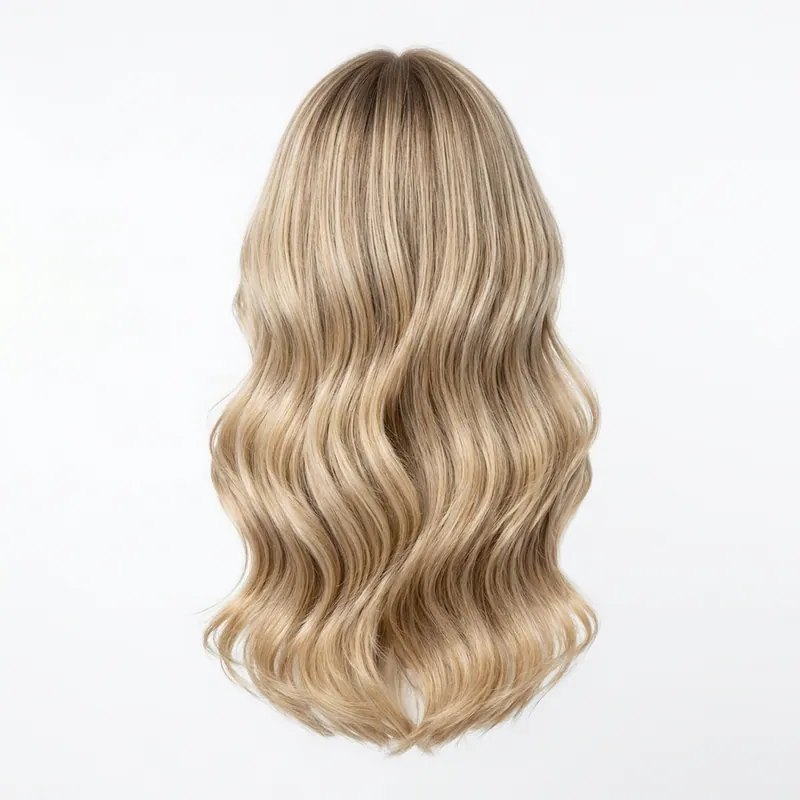
Balayage (caramel/honey)
Soft grow-out-friendly gradient that flatters warm skin tones.
Ash blonde
Cool and modern — ideal for cool undertones, cancels brassiness.
Copper
The trend shade for warm types; instantly freshens the complexion.
Chocolate brown
Universally flattering, low contrast, very low maintenance.
Cool platinum
A statement for fair, cool skin — needs regular upkeep.
Natural silver / grey
Elegant rather than ageing when the undertone is right — preview it first.
What to consider before dyeing
Judging colour by the box
The result depends on your starting shade. Test the target on your own photo.
Ignoring your undertone
The wrong temperature washes you out. The AI preview shows it instantly.
Jumping too far
Dark to platinum damages hair. See whether the tone even suits you first.
See the colour on YOU first
Most people preview two or three colours before deciding. The first render is free — see how the shade reads on your real hair and skin.
Change hair colour nowFREEOne pack unlocks every Agalaz feature
Buying the Starter pack or higher doesn't just unlock this one page. You get unlimited access to every category at agalaz.com/virtual-try-on: clothes, dresses, swimwear, glasses, jewelry, engagement rings, tattoos, costumes, hairstyles, makeup, nails, pet outfits — even cosplay. Same photoreal render quality, same speed.
See everything at /virtual-try-onThe free demo proved it works.
Now keep your renders.
Free renders ship with a watermark and a single attempt per day — useful for "does this even work" but not for the screenshot you actually want to share. Cancel anytime.
Free demo
- ✕Watermarked image (unusable to share)
- ✕1 render per day per browser
- ✕No retries on the same prompt
- ✕Lower-quality model (faster but less accurate)
Paid plan
- Clean HD render, no watermark
- 10–200 HD renders per period
- Retry with different photos as needed
- Premium AI model for jewelry, fit, faces
1,247 people started a plan this month
Frequently asked questions
Try anything else on you
Tattoo simulator
Try any design on your skin
Bikini & swimwear
See it on your real body
Earrings
See them on your ears
Wedding dresses
Before booking the boutique
Nail try-on
Any design on your hands
Glasses & sunglasses
Frames on your face
Jewelry
Necklaces, rings, bracelets
Men's suits
Try the cut before the tailor
Pet clothing
On your real dog or cat
Baby clothing
On your real baby
Costumes
Halloween, parties, cosplay
Hairstyles
See it before the salon
Cosplay
Anime, games, conventions
Specific looks you can try
Virtual try-on
Clothes, outfits, any style on you
Put clothes on my photo
Upload a photo, dress it with AI
Virtual dressing room
Your online fitting room
Engagement ring try-on
See solitaire, halo, pavé on your hand
Virtual wig try-on
Lace-front, curly, color, cosplay
Best virtual try-on app
Compared 6 tools in 2026
Best hairstyle try-on app
Cut + color compared
Best AI nail try-on
Gel, French, designs 2026
Free virtual fitting room
5 apps that actually are free
Chrome nails 2026
Pastel, mirror, glazed donut
Style oversized clothes
Without looking sloppy
Curtain bangs
Try the cut on your face
Wolf cut
Long, short, mullet, asian
Round face haircuts
Best cuts that flatter
Oval face haircuts
Styles for oval faces
Square face haircuts
Soften the jawline
Diamond face haircuts
Balance the cheekbones
Wedding guest outfit
Spring, summer, fall, winter
Bridesmaid dresses
Cheap, sage green, Azazie
Couples halloween costumes
Funny, easy, scary, DIY
Natural makeup look
No-makeup makeup tutorial
Engagement ring hand
Which finger by culture