See how it works
Real example: same person, before and after.

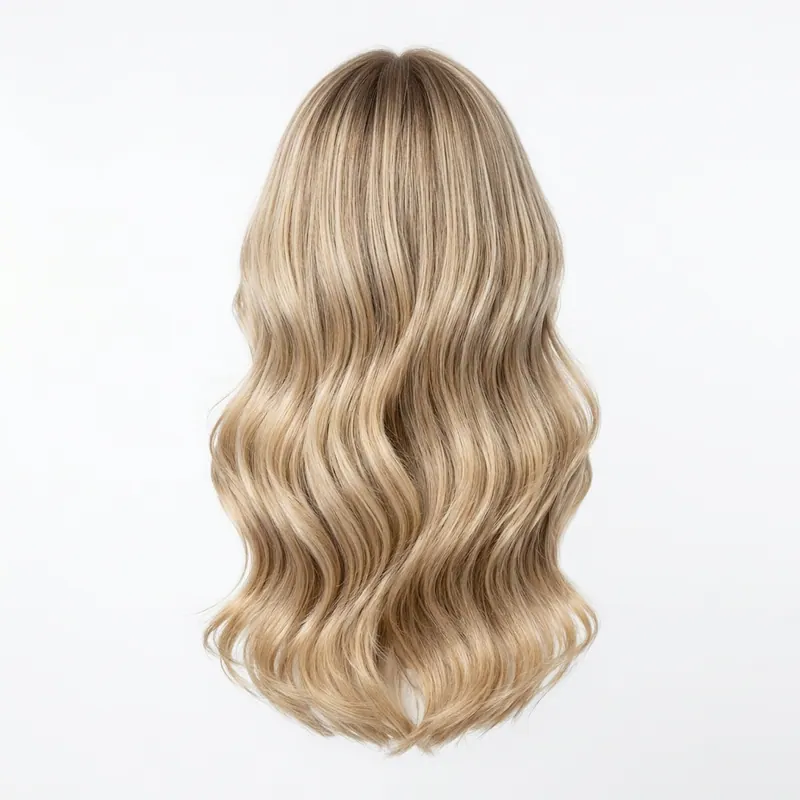

Virtual Haircut Try On
With My Photo Upload.
Want to know if Virtual Haircut Try On With My Photo Upload actually suits you? Upload one selfie and our AI generates a photorealistic preview of you wearing the exact look. 30 seconds, free first render.
Explore every tool in the app
Sign in for a free preview with an Agalaz.com watermark. No card needed for the preview. Unlock HD without the watermark with an eligible subscription trial, a paid plan or credits.
Create my free previewWhat is virtual haircut try on with my photo upload?
Ever wondered if that daring chop or those soft layers would truly flatter your features? A great haircut isn't just about trends; it's about balance, proportion, and accentuating your unique bone structure. Virtually trying on a new hairstyle with your own photo provides an objective perspective a mirror often can't, allowing you to critically assess how different lengths and shapes interact with your jawline, cheekbones, and overall face shape before* stepping into the salon. This unique tool lets you meticulously compare how a blunt bob versus a textured shag might frame your face, or if a fringe would truly enhance your eyes without overwhelming your forehead. Pay close attention to how the cut's volume sits relative to your shoulders and neck, and envision the daily styling. It's a strategic consultation with yourself, empowering you to make an informed, confident decision about your next head-turning look.
Why this matters
- Assess Face Framing: Observe how layers or a perimeter cut hit your jawline, cheekbones, and collarbone. Does it highlight or soften angles you want to emphasize or de-emphasize?
- Consider Your Hair's Texture: Mentally overlay the virtual cut onto your natural hair's density and curl pattern. A sleek bob on thick, wavy hair will require different styling than on fine, straight hair.
- Evaluate Fringe Impact: Pay specific attention to how bangs or a fringe interact with your eyebrows, eye shape, and forehead. A strong blunt fringe may shorten a long face, while wispy bangs can soften a wide forehead.
- Judge Overall Proportions: Step back and look at the virtual cut against your shoulders and neck. Does a short crop make your neck appear longer, or do long layers overwhelm your frame? Proportions are key.
- Visualize Styling Versatility: Think beyond the initial "perfect" look. Can this cut be easily styled up, down, or half-up? Consider your daily routine and whether the maintenance aligns with your lifestyle.
Top picks
Long layers framing the face
Adds vertical movement that elongates round/square faces.
Curtain bangs swept to the sides
Frames eyes without committing to a full fringe.
Long bob (lob) just below the chin
Universal flatterer that visually slims the lower face.
Soft pixie with volume on top
Bold but low maintenance — adds height where it counts.
Wolf cut with subtle face-framing pieces
On-trend texture without the styling commitment.
Common mistakes
Heavy blunt fringe with round face
Shortens the face visually and emphasizes width.
Flat one-length cut without layers
No movement = looks lifeless and accentuates roundness.
Short bob ending exactly at the jaw
Horizontal stop point widens the face instead of slimming it.
See it on YOU first
Skip the screenshot-and-imagine guesswork. Upload, render, screenshot the result. If you like it, you decide whether to buy the unwatermarked version.
Try it on my photoFreeFrequently asked questions
Related searches
Try anything else on you
Tattoo simulator
Try any design on your skin
Bikini & swimwear
See it on your real body
Earrings
See them on your ears
Wedding dresses
Before booking the boutique
Nail try-on
Any design on your hands
Glasses & sunglasses
Frames on your face
Jewelry
Necklaces, rings, bracelets
Men's suits
Try the cut before the tailor
Pet clothing
On your real dog or cat
Baby clothing
On your real baby
Costumes
Halloween, parties, cosplay
Hairstyles
See it before the salon
Cosplay
Anime, games, conventions
Specific looks you can try
Engagement ring try-on
See solitaire, halo, pavé on your hand
Virtual wig try-on
Lace-front, curly, color, cosplay
Best virtual try-on app
Compared 6 tools in 2026
Best hairstyle try-on app
Cut + color compared
Best AI nail try-on
Gel, French, designs 2026
Free virtual fitting room
5 apps that actually are free
Chrome nails 2026
Pastel, mirror, glazed donut
Style oversized clothes
Without looking sloppy
Curtain bangs
Try the cut on your face
Wolf cut
Long, short, mullet, asian
Round face haircuts
Best cuts that flatter
Oval face haircuts
Styles for oval faces
Square face haircuts
Soften the jawline
Diamond face haircuts
Balance the cheekbones
Wedding guest outfit
Spring, summer, fall, winter
Bridesmaid dresses
Cheap, sage green, Azazie
Couples halloween costumes
Funny, easy, scary, DIY
Natural makeup look
No-makeup makeup tutorial
Engagement ring hand
Which finger by culture
Run an online business?
Add Agalaz virtual try-on to your store in two clicks so customers can see how each item looks on them.