See how it works
Real example: same person, before and after.

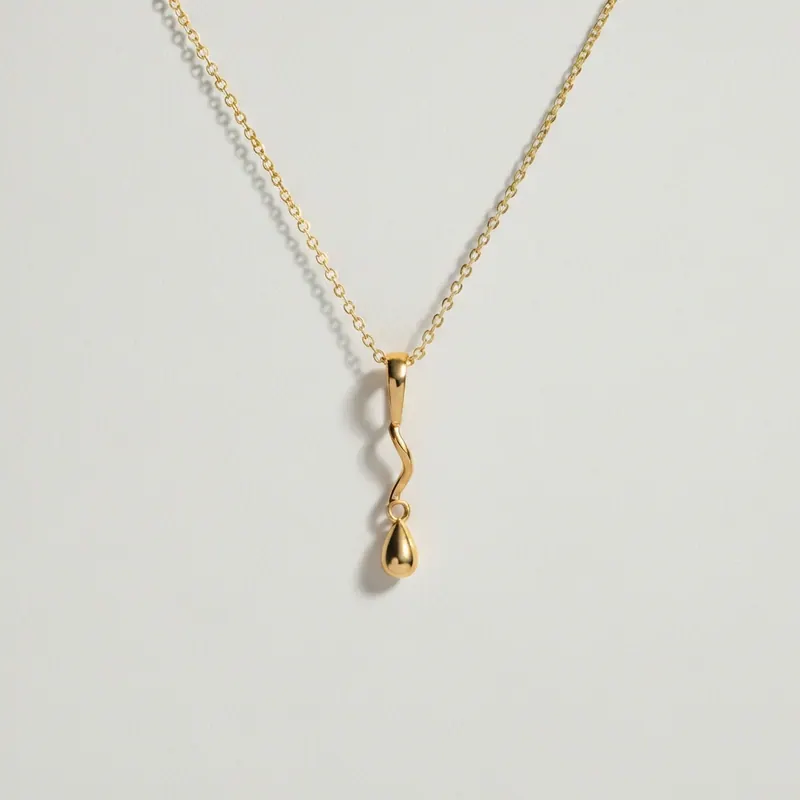

Virtual jewelry simulator — upload photo, free
see ANY piece on YOUR body in 30 seconds.
Necklaces, rings, earrings, bracelets, anklets, body chains, piercings, ear cuffs — upload your photo, drop any jewelry, AI renders it on YOU in 30 sec. Works with Mejuri, Catbird, Local Eclectic, Etsy, Tiffany, Cartier, vintage finds.
Explore every tool in the app
Sign in for a free preview with an Agalaz.com watermark. No card needed for the preview. Unlock HD without the watermark with an eligible subscription trial, a paid plan or credits.
Create my free previewWhy upload-photo simulators beat AR widgets
Brand AR widgets (Cartier, Tiffany) only let you try THEIR pieces. Photo-upload simulators are brand-agnostic — drop any boutique, vintage, or moodboard piece. AR widgets can't do necklaces, body chains, or anklets. Photo upload does ALL placements.
How the upload-photo jewelry simulator works
- Pick the right photo — face for earrings, neck for necklace, hand for ring
- Upload from camera roll — no AR camera needed
- Drop any piece — Mejuri, Catbird, Etsy vintage, Pinterest screenshot
- AI renders it on YOU in 30 sec with correct scale + shadow
- Iterate: "in gold", "longer chain", "smaller stone", "stack with my ring"
5 jewelry decisions this answers
Engagement ring shape on YOUR finger
Oval, round, emerald look identical on Pinterest. On your finger they're obviously different.
Necklace length — 14"-22"
Where the pendant lands depends on YOUR collarbone. Simulate before ordering.
Second piercing preview
See helix, conch, tragus placement BEFORE the needle.
Stack your rings
Will the new ring stack with your existing 2? Render the stack.
Vintage Etsy gamble
No returns on vintage. Visualize before the click.
What NOT to do
Upload a far-away photo
AI needs scale. For earrings, close face photo. For rings, hand photo.
Use busy backgrounds
Busy distracts the AI. Simple background = cleaner render.
Trust the stock photo
Brand uses perfect 22-year-old hands. Yours are unique. Simulate first.
Before $50-5000 in jewelry
Upload + try every piece on YOU. Skip the returns, the resize fees.
Upload + try jewelryFreeVirtual jewelry simulator upload-photo FAQ
Try anything else on you
Tattoo simulator
Try any design on your skin
Bikini & swimwear
See it on your real body
Earrings
See them on your ears
Wedding dresses
Before booking the boutique
Nail try-on
Any design on your hands
Glasses & sunglasses
Frames on your face
Jewelry
Necklaces, rings, bracelets
Men's suits
Try the cut before the tailor
Pet clothing
On your real dog or cat
Baby clothing
On your real baby
Costumes
Halloween, parties, cosplay
Hairstyles
See it before the salon
Cosplay
Anime, games, conventions
Specific looks you can try
Engagement ring try-on
See solitaire, halo, pavé on your hand
Virtual wig try-on
Lace-front, curly, color, cosplay
Best virtual try-on app
Compared 6 tools in 2026
Best hairstyle try-on app
Cut + color compared
Best AI nail try-on
Gel, French, designs 2026
Free virtual fitting room
5 apps that actually are free
Chrome nails 2026
Pastel, mirror, glazed donut
Style oversized clothes
Without looking sloppy
Curtain bangs
Try the cut on your face
Wolf cut
Long, short, mullet, asian
Round face haircuts
Best cuts that flatter
Oval face haircuts
Styles for oval faces
Square face haircuts
Soften the jawline
Diamond face haircuts
Balance the cheekbones
Wedding guest outfit
Spring, summer, fall, winter
Bridesmaid dresses
Cheap, sage green, Azazie
Couples halloween costumes
Funny, easy, scary, DIY
Natural makeup look
No-makeup makeup tutorial
Engagement ring hand
Which finger by culture