Blog/Diamond Size on Hand Simulator 2026 Solution — 0.5 to 5 Carat (Free AI)
8 min read·May 28, 2026
Diamond Size on Hand Simulator 2026 Solution — 0.5 to 5 Carat (Free AI)
> 0.5 ct, 1 ct, 2 ct, 3 ct, even 5 ct — see the exact look on YOUR real finger in 30 seconds, not someone else's hand. The simulator is already loaded at the top of this page: upload one photo, the AI renders the carat side-by-side AND estimates your real ring size (US / EU / UK / JP / mm). Free, no signup.
1Choose a hand
2Carat
3Diamond shape
See it on YOUR hand
Upload your hand photo and start your 7-day FREE trial to see it in HD on your finger + your AI size estimate.
Free for 7 days with Agalaz Smart Play — then $29.99/year unless you cancel. No watermark.
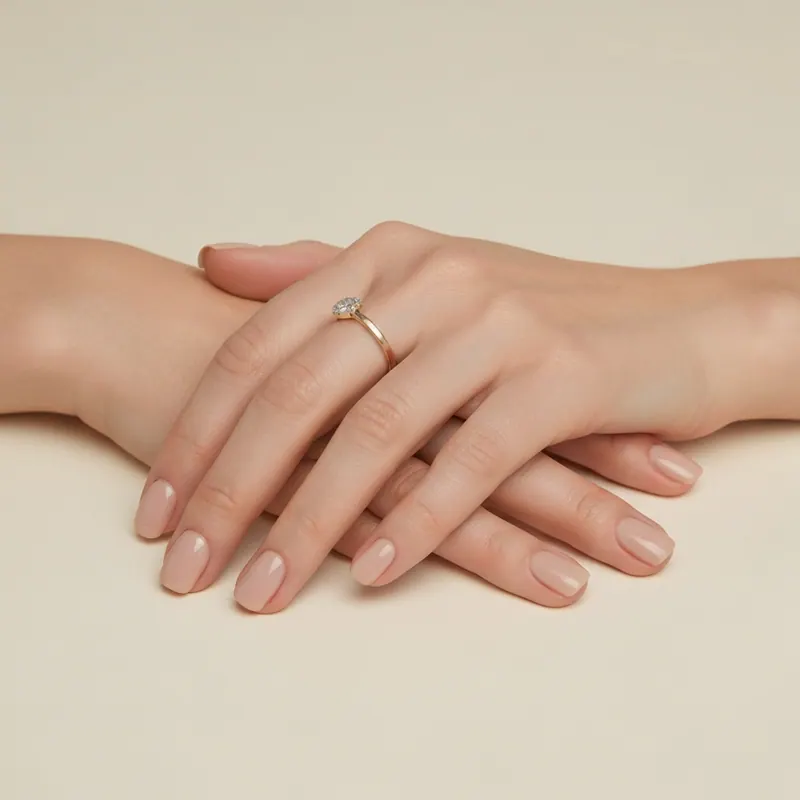
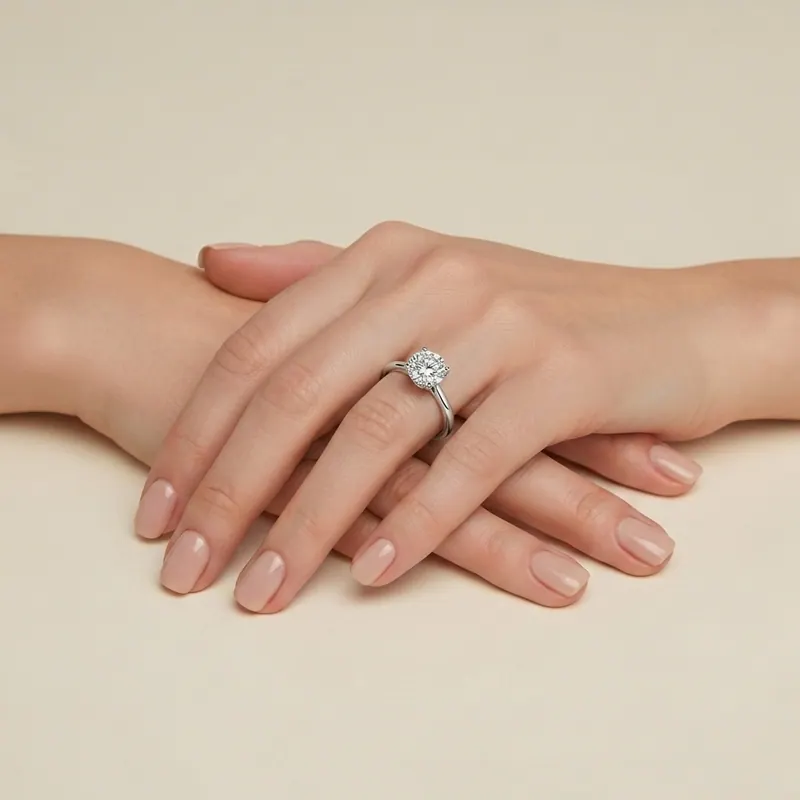
Every year, millions of people search "diamond size on hand" trying to figure out how a specific carat weight will look on their finger. They scroll through stock photos, watch YouTube videos, and visit jewelry stores — all trying to answer one simple question: "How will this diamond look on MY hand?"
Now there's a better way. AI-powered simulators let you see any diamond size on your actual hand in seconds.
Why Stock Photos Don't Work
When you Google "2 carat diamond on hand," you see photos of other people's hands. The problem?
• Their fingers aren't your fingers. A size 5 finger makes every diamond look bigger than a size 8 finger.
• Lighting varies wildly. Studio lighting vs. phone flash creates completely different impressions.
• Angles are inconsistent. Some photos are shot from above, others at an angle — making size comparison impossible.
• You can't compare. Flipping between 10 browser tabs doesn't give you a reliable side-by-side.
What you need is to see the diamond on your hand, in your proportions.
Diamond Carat Size Reference Chart
Before simulating, here's what each popular carat weight actually measures (round brilliant cut):
Carat Weight
Diameter (mm)
Face-up Area (mm²)
Visual Description
0.25 ct
4.1 mm
13 mm²
About the size of a lentil
0.50 ct
5.2 mm
21 mm²
Size of a small pea
0.75 ct
5.9 mm
27 mm²
Noticeably present
1.00 ct
6.5 mm
33 mm²
The classic benchmark
1.25 ct
6.9 mm
37 mm²
Clearly impressive
1.50 ct
7.4 mm
43 mm²
Eye-catching
2.00 ct
8.2 mm
53 mm²
Showstopper
2.50 ct
8.8 mm
61 mm²
Unmistakably large
3.00 ct
9.3 mm
68 mm²
Red carpet territory
4.00 ct
10.2 mm
82 mm²
Exceptional
5.00 ct
11.0 mm
95 mm²
Museum-worthy
Key insight: Doubling the carat weight does NOT double the visual size. A 2ct diamond is only ~26% wider than a 1ct — because carat measures weight, and diamonds carry weight in three dimensions.
How to Estimate Diamond Carat Size From a Photo on Your Finger
You don't need a jeweler's loupe to estimate carat size from a photo — you need a reference object of known width. Here's the manual method, then the 30-second AI shortcut:
The manual method:1. Find your finger width. The average adult ring-finger is ~17–18 mm across at the knuckle (a US size 6–7). Measure yours with a strip of paper if you want precision.
2. Compare the stone to the band. Most engagement bands are 1.8–2.2 mm wide. Use the band as a ruler: a round diamond that spans about 3× the band width is roughly 6.5 mm — a 1.00 ct round.
3. Match the diameter to the chart above. ~5.2 mm ≈ 0.5 ct, ~6.5 mm ≈ 1 ct, ~7.4 mm ≈ 1.5 ct, ~8.2 mm ≈ 2 ct.
4. Adjust for shape. Ovals, marquise and pears look larger than their carat weight — estimate by diameter, not by eye.
The AI shortcut (2026): Upload the photo to the simulator at the top of this page and the AI reads your hand proportions to estimate the on-finger carat and your ring size in one step — no measuring, no math. It's the fastest way to estimate diamond carat size from a photo on your finger and then preview the next size up or down instantly.
> 2026 trend note: lab-grown stones have pushed average engagement carat weights up — the most-simulated sizes on Agalaz this year are 1.5 ct and 2 ct ovals, as buyers chase maximum face-up spread per dollar. Elongated cuts (oval, marquise, pear) now outpace round brilliants in simulator runs for the first time.
How the AI Diamond Simulator Works
The Agalaz ring simulator uses AI image generation to render jewelry on your real hand photo. Here's the process:
Step 1: Upload Your Hand Photo
Take a clear photo of your hand with fingers naturally extended. Tips for best results:
• Use natural lighting (near a window)
• Keep your hand flat or slightly angled
• Include your full hand in the frame
• Remove existing rings for the clearest result (or keep them for context)
Step 2: Choose Your Diamond
You have two options:
• Upload a specific ring image — screenshot from a jeweler's website, Pinterest, or Instagram
• Describe what you want — use the AI chat: "Show me a 1.5 carat round solitaire on a thin gold band"
Step 3: See It on Your Hand
The AI renders the ring on your actual hand, matching:
• Your exact skin tone
• Your finger width and proportions
• Natural shadows and reflections
• Correct scale based on your hand size
Step 4: Compare Sizes
Use the chat to instantly adjust:
• "Make it 2 carats instead"
• "Show me oval instead of round"
• "Change to a platinum band"
• "Add a halo setting"
Each render takes ~15-30 seconds and produces a photorealistic result.
The same carat weight looks dramatically different depending on the diamond shape. This is because elongated shapes spread their weight across a larger surface area:
Round Brilliant
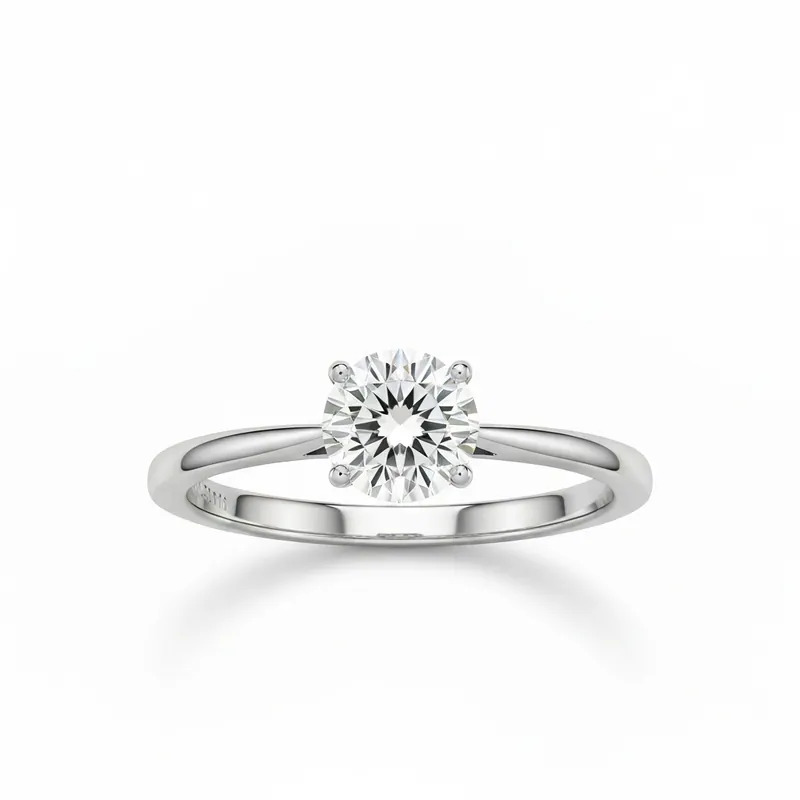
The standard benchmark. A 1ct round measures 6.5mm in diameter. Symmetrical and classic, but has the smallest face-up area per carat of any popular shape.
Oval
A 1ct oval is approximately 7.7 × 5.2mm — **18% more face-up area** than a round of the same weight. This is why oval diamonds have surged in popularity: they look bigger for the money.
Marquise
The face-up champion. A 1ct marquise spans roughly 10.0 × 5.0mm, creating an elongated shape that maximizes finger coverage. They can look up to **40% larger** than a round of the same weight.
Emerald Cut
Rectangular with step cuts that create a "hall of mirrors" effect. A 1ct emerald is about 6.7 × 5.0mm. They don't maximize face-up area, but their clean lines create a sophisticated, larger-looking impression.
Pear (Teardrop)
Combines the best of round and marquise. A 1ct pear is roughly 8.5 × 5.5mm — **significant face-up advantage** while maintaining a classic look.
Cushion
Square or rectangular with rounded corners. A 1ct cushion is about 5.8 × 5.8mm. Similar face-up area to round, but the softer shape can appear larger due to the wider corners.
The Ring Sizer Bonus
When you use the Agalaz simulator, it also includes an AI ring sizer. The AI analyzes your hand photo and estimates your ring size in:
• US/Canadian sizing (e.g., US 7)
• European sizing (e.g., EU 54)
• UK/Australian sizing (e.g., UK O)
• Inner diameter (e.g., 17.3 mm)
This means you can figure out both what size diamond looks best AND what ring size to order — all from one photo. Want to test specific settings too? Our virtual engagement ring try-on lets you place any ring style — solitaire, halo, three-stone — on your real hand.
1. Comparing carats instead of millimeters
A 1.5ct diamond from one jeweler might have different proportions than a 1.5ct from another. Always check the actual diameter — it tells you more about visual size than carat weight alone.
2. Ignoring the setting
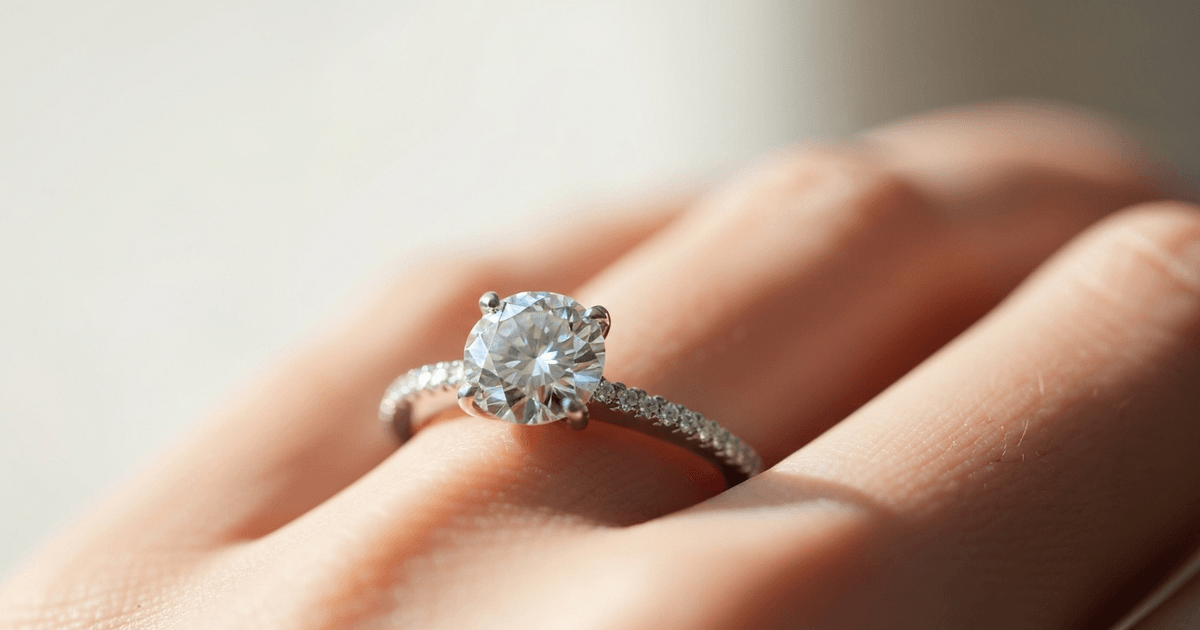
A halo setting adds 0.3-0.5ct worth of visual size. A thin band makes the center stone look bigger. A bezel setting can make it look smaller. The setting is half the equation.
3. Not considering finger size
A 1ct diamond on a size 4 finger has the same visual impact as a 1.8ct on a size 8. Your finger is the frame — it changes everything.
4. Judging from top-down photos only
In real life, you see your ring from multiple angles throughout the day. A diamond that looks perfect from above might look different in profile. The AI simulator shows the natural wearing angle.
5. Forgetting about depth
Two 1.5ct diamonds can have the same carat weight but very different visual sizes. One might be cut deep (small face, lots of depth) while the other is spread (larger face, shallower). Always check the "spread" — the actual diameter relative to what's expected for the carat weight.
How to Use the Simulator for Shopping
Here's our recommended workflow for finding your perfect diamond:
1. Start with the ring sizer — know your exact size before anything else
2. Try your target carat weight — see how it looks on your hand
3. Try one size up and one size down — compare the visual difference
4. Experiment with shapes — an oval 1.5ct might give you the look of a round 2ct
5. Test different settings — halo vs. solitaire vs. three-stone
6. Save your favorites — download the renders and compare side by side
7. Share with your partner — if it's a surprise, send them the AI renders for input
This process takes 10-15 minutes and can save you from a $10,000+ mistake.
Frequently Asked Questions
Is the AI simulation accurate?
The simulator renders jewelry at proportionally correct scale based on your hand dimensions. It's designed to give you a realistic preview — not replace trying on a physical ring. Think of it as a highly accurate visual guide.
Does it work for all diamond shapes?
Yes. You can upload any ring image (round, oval, marquise, emerald, pear, cushion, princess, or any custom cut) and the AI will render it on your hand.
Can I simulate fancy colored diamonds?
Absolutely. Upload an image of a yellow, pink, blue, or any colored diamond and the AI will preserve the exact color in the render.
Is my photo stored?
Your photos are processed for rendering only and are not permanently stored on our servers.
How many diamonds can I try?
As many as you like — upload a different ring image each time and the AI renders it on your hand, so you can compare several carat sizes and shapes side by side.
Start Simulating Now
Stop guessing. Stop scrolling through stock photos. See exactly how any diamond size looks on YOUR hand:
1. Visit agalaz.com/virtual-try-on2. Select "Ring Sizer" from the category menu
3. Upload your hand photo
4. Upload a diamond ring image (or describe what you want in the chat)
5. See it on your hand in ~15 seconds
Your first renders are free. No credit card required. No app to download.
Deciding between specific sizes? Read our detailed 1.5 Carat vs 2 Carat Diamond on Hand comparison with pricing, visual impact analysis, and smart buying tips.
Try It On Yourself
See how any garment looks on your real body with AI.