See how it works

Real example: same person, before and after.
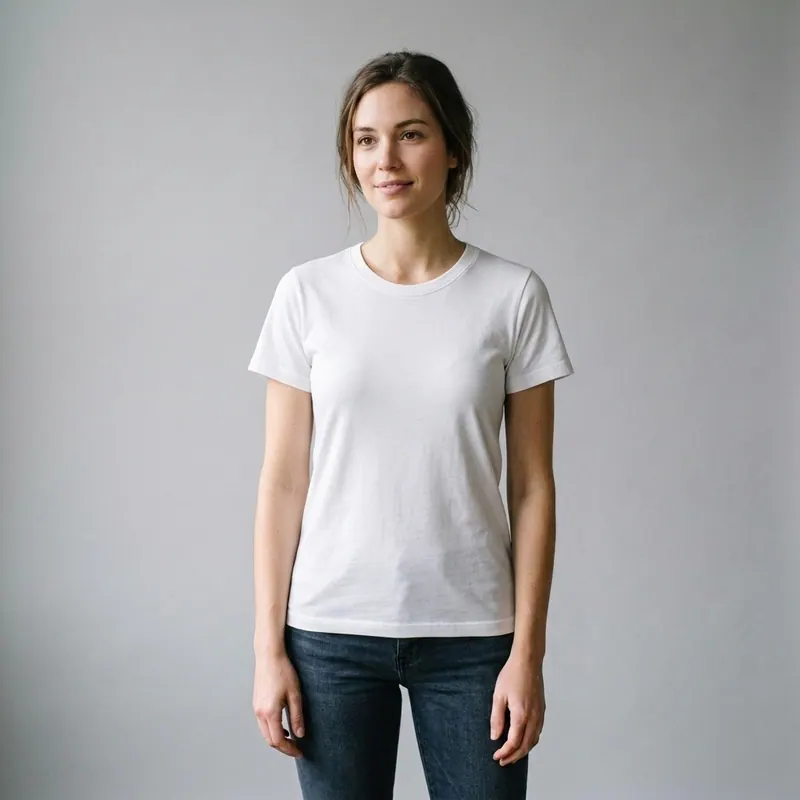
Before — original photo, ready to try on virtual tshirt try on virtually with AI
1. Your photo
Before — original photo, ready to try on virtual tshirt try on virtually with AI
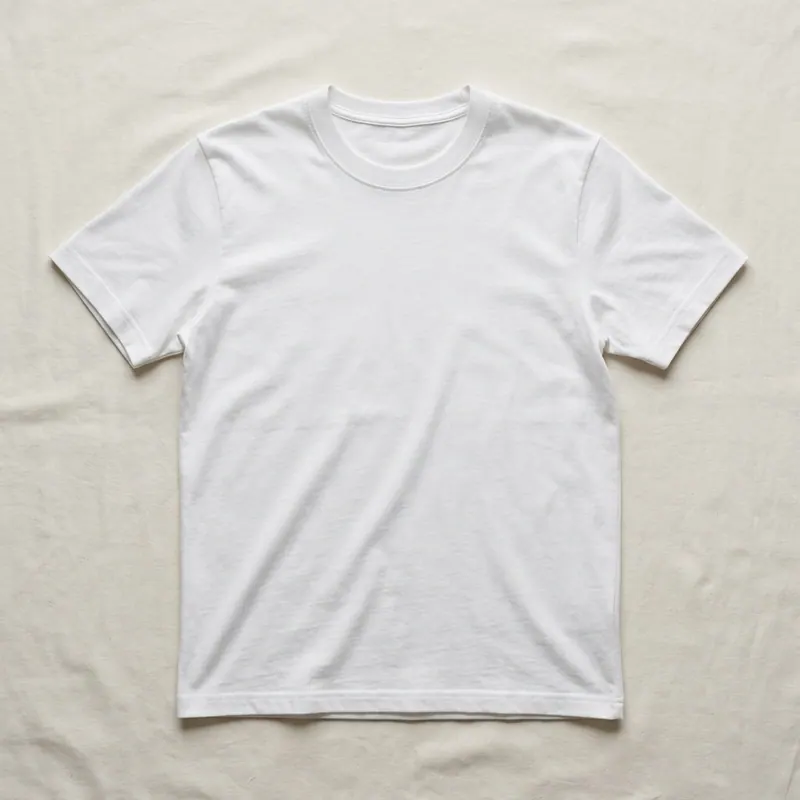
virtual tshirt try on — item photo for virtual try-on with AI fitting
2. The item
virtual tshirt try on — item photo for virtual try-on with AI fitting
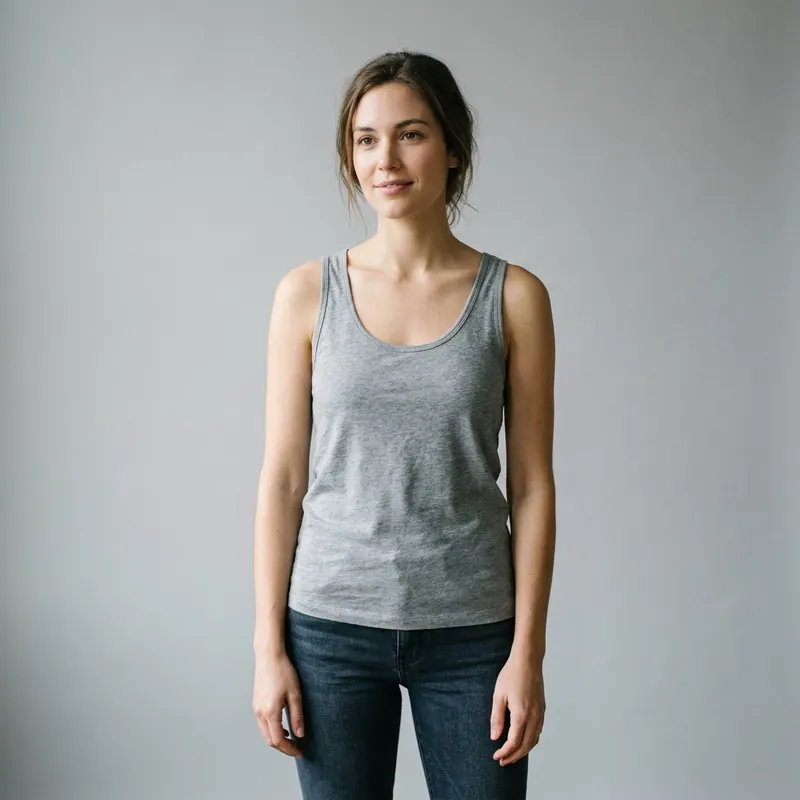
After — virtual tshirt try on virtual try-on result on real body, AI generated
3. Your result
After — virtual tshirt try on virtual try-on result on real body, AI generated
Blog/How to Take the Perfect Photo for Virtual Try-On
3 min read·May 17, 2026

How to Take the Perfect Photo for Virtual Try-On

Better input = better output.

5 rules

1. Full body, head to feet 2. Frontal, facing camera 3. Neutral background (white wall, plain hallway) 4. Good even light (natural daylight near window) 5. Arms slightly away from body

What to wear

Snug-fitting solid colors. Leggings + fitted tank ideal.

Avoid

• Mirror selfies • Strong filters • Sitting/leaning • Multiple people in frame

Try a render free.

Try It On Yourself

See how any garment looks on your real body with AI.

Try Free