Blog/Virtual Try-On in Australia: Compare Outfits Before You Order
6 min read·November 14, 2026
Virtual Try-On in Australia: Compare Outfits Before You Order
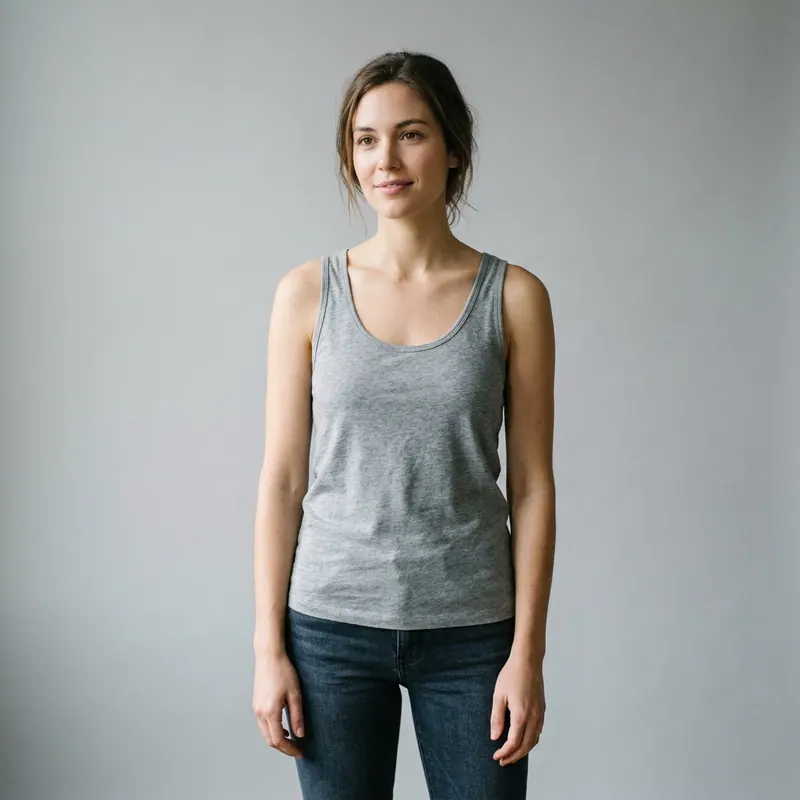
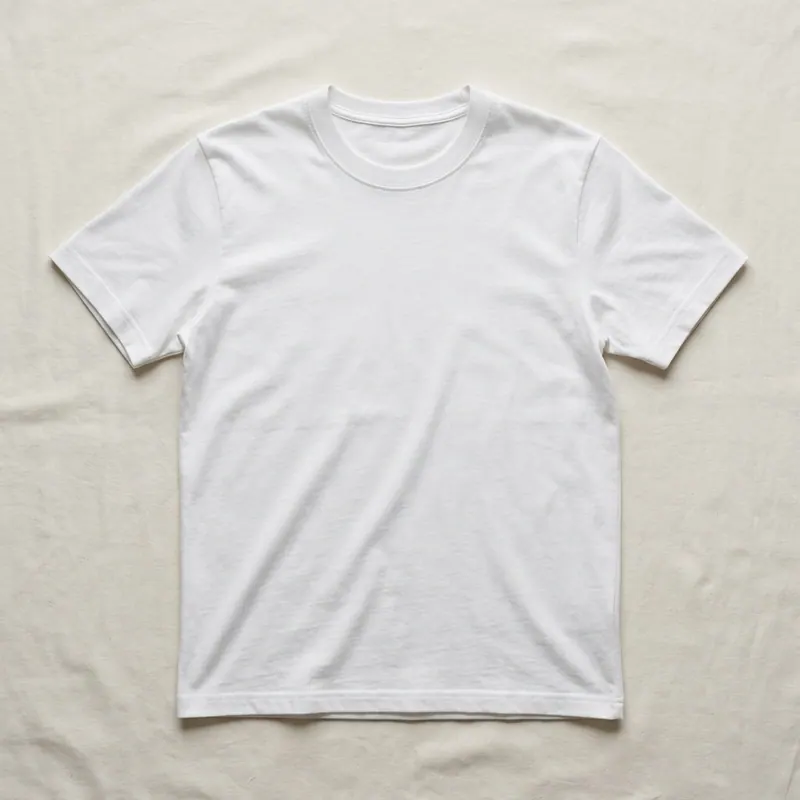
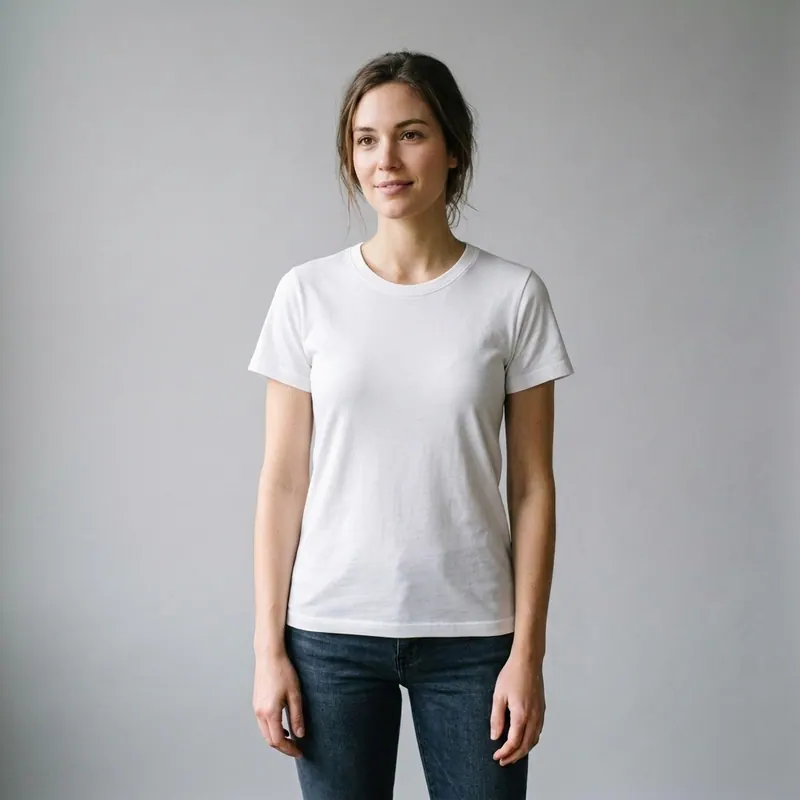
Australian shoppers often buy for a season that does not match northern-hemisphere campaign photography. AI virtual try-on helps translate a retailer's product shot into a visual comparison on your own photo before you place an order.
Explore every tool in the app
Sign in for a free preview with an Agalaz.com watermark. No card needed for the preview. Unlock HD without the watermark with an eligible subscription trial, a paid plan or credits.
It can help shortlist colours and silhouettes for warm-weather outfits, wedding guest looks, race-day dressing, workwear, festivals and holiday packing. You can also test whether a jacket, knit or overshirt works as a layer without buying every option first.
The strongest use case is comparison. Generate the same garment in two colours, or two different cuts against one unchanged photo. Do not compare renders made from different poses because pose and lighting can influence the result.
Use a suitable photo
• Stand facing the camera in even natural light.
• Keep your full outfit and body outline visible.
• Avoid crossed arms, large bags and heavy shadows.
• Use a product image where the complete garment is unobstructed.
Preview is not sizing
AI can visualise an outfit, but it cannot feel the fabric or guarantee how a labelled size will fit. Australian sizing can vary between brands, so always compare your measurements with that specific retailer's chart. Read recent reviews for shrinkage, transparency and whether the cut runs small.
Reduce an online shortlist in five steps
1. Choose no more than three serious options.
2. Preview each option on the same photograph.
3. Remove the colours and proportions that clearly do not work.
4. Check measurements and delivery dates for the finalists.
5. Order only after reviewing the store's returns terms.